


%20(1).png)
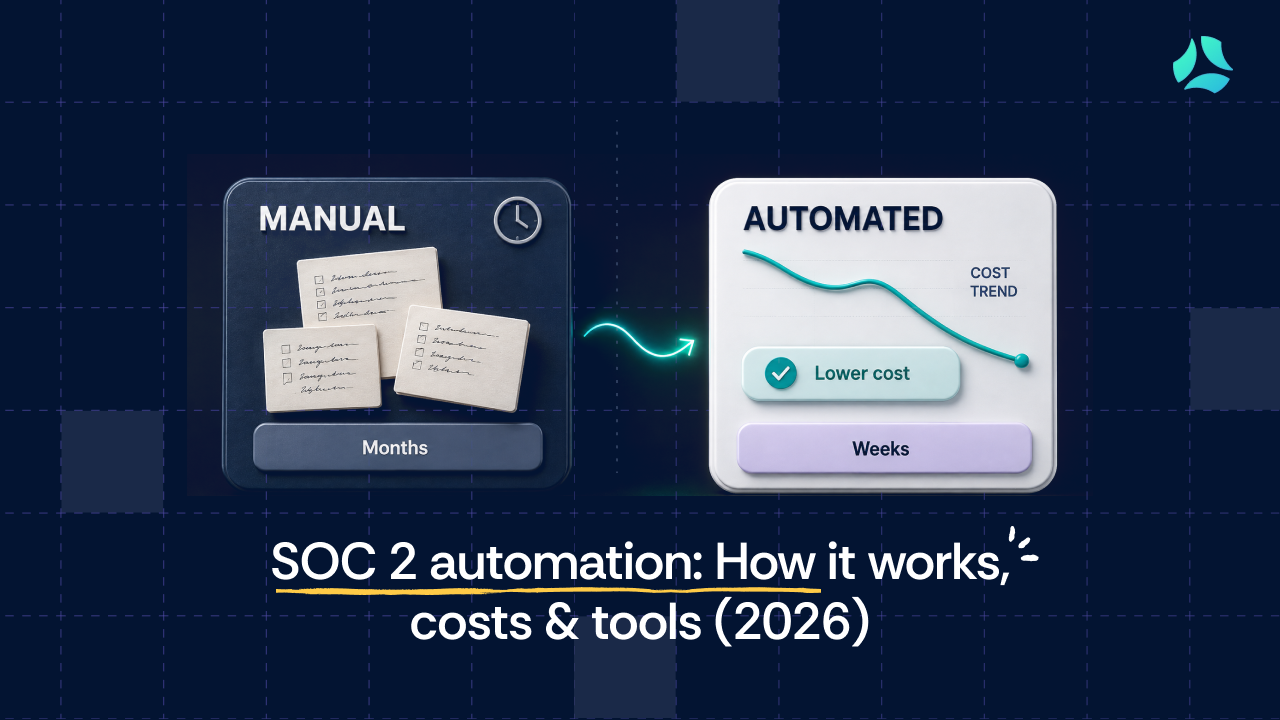


A deal is stuck. A security questionnaire landed in the CTO’s inbox, and the enterprise buyer on the other end will not move to contract until they see a SOC 2 report. Someone has been asked to ‘handle SOC 2,” and the manual version of handling it means pulling engineers off the roadmap to gather screenshots and chase policy approvals across Slack.
If you own security or compliance at a scaling SaaS company, you already know what SOC 2 is. The real question is what automation does, whether it saves you as much time as vendors claim, and where it stops helping.
This guide covers what SOC 2 automation actually handles, what it still leaves to you, what it costs to skip it, and how to choose a tool that fits how your team works. No definitions of SOC 2 you already know. Just the parts that decide whether this is worth your budget.
Key takeaways
- SOC 2 automation replaces manual evidence collection, policy tracking, and control monitoring with software that runs continuously, not just before an audit.
- Automation typically covers 65%+ of evidence collection. Human judgment is still required for risk decisions, management assertions, and auditor conversations.
- Without a GRC automation platform, a 100-person SaaS company can spend $50,000 or more on auditor fees, consultants, and tooling alone.
- Key selection criteria: integration depth, continuous monitoring quality, multi-framework support, and expert access.
- SOC 2 automation is not a compliance guarantee. It is the operational infrastructure that makes a clean audit possible
What does manual SOC 2 compliance actually cost?
Manual SOC 2 does not fail because it is technically impossible. It fails because it is expensive in ways that do not appear on a single invoice.
The bulk of the visible cost sits in the people you have to pay to do work that a platform can do. Auditors bill by the hour. Consultants bill by the hour. Pen testers bill by the product and the level of testing.
Here is what a first SOC 2 looks like for a roughly 100-person SaaS company scoping three trust services criteria, without a GRC platform. These are industry practitioner estimates, and the ranges hold up against real quotes.
SOC 2 compliance cost breakdown by category
The overspend usually hides in the tooling you buy separately, even when a GRC platform already covers it. Kush Kaushik, Co-founder at Scrut automation, cites this example: a small company with a handful of servers buys a Nessus license for around $6,500 a year, then never runs enough scans to justify it, when the same infrastructure-level cloud testing could have been done for a fraction of that inside a platform.
AWS Inspector is another. Teams license it standalone at a high price when a GRC tool performs the same cloud posture checks and bundles policy automation, evidence automation, and security training on top.
The other cost is less visible but carries the same business risk. Without a real-time view of your control status, you discover a gap the week before the audit rather than the quarter before. That is not a feelings problem about burned-out compliance staff. It is a business risk: a delayed report can hold up the deal that triggered the whole exercise. Getting your first SOC 2 in order also means getting the SOC 2 audit preparation sequence right, and manual processes are where that sequence quietly slips.
What SOC 2 automation actually does, and where it stops
Most vendor pages describe automation as if it produces compliance on its own. It does not. The honest version is that automation handles the mechanical, repeatable, evidence-heavy work, and leaves the judgment work to you.
Here is the split that matters.
SOC 2 automation capabilities vs. human judgment responsibilities
SOC 2 produces an attestation report from a licensed CPA firm, not a certification or a compliance status. Automation supports the process of achieving and maintaining that attestation. It does not confer it. The distinction is not pedantic: an enterprise buyer who was promised a “SOC 2 certificate” and receives an attestation report has a reason to question everything else you told them.
This is also where the “compliance-in-a-box” illusion lives. A platform can create an audit trail and maintain evidence logs, but auditors can tell the difference between an organization that practices its controls and one that uploaded policies and assumed it was done.
What changed with automation is the quality of the evidence trail. Before these tools, proving a policy was approved meant a single email with a zipped attachment and a one-line “approved” reply from management. Nobody could confirm who read it or when.
Now the platform maintains a continuous, tamper-evident log. Every stage of the policy lifecycle, from drafting and review to publication, is timestamped and cannot be edited after the fact.
An auditor examining the observation period can confirm that the antivirus was actually running in a given month, that access reviews happened each quarter, and that BCP testing occurred on a cadence. The evidence accumulated over time, rather than being assembled after the fact. That is the continuous compliance monitoring that gives an audit firm real comfort over the period.
At the end of the process, your CISO or CTO signs a management assertion letter stating that controls were followed as described. No platform signs that for you. If you want to know what auditors look for in a SOC 2 report, the answer is: evidence that controls operated, plus a management assertion they can hold you to.
Core features of SOC 2 automation software
The features that matter are the ones that connect to a specific audit outcome. Here is what to look for, why each matters, and what the manual version costs you.
Automated evidence collection
Instead of collecting spreadsheets and screenshots by hand, the platform pulls evidence directly from your cloud, identity, and endpoint tools against pre-mapped SOC 2 controls. A good tool automates 65%+ of the evidence-collection process. Without it, your compliance team spends two to four weeks before every audit assembling evidence retrospectively, and the evidence is only as reliable as someone’s memory of when they took the screenshot.
Continuous monitoring
Without continuous monitoring, a misconfigured database or a lapsed encryption setting sits unnoticed until an auditor finds it. The platform watches your controls and alerts you when one drifts out of bounds: a new database created without encryption, a skipped offboarding step, or a password policy that no longer meets the benchmark. Good software points you to the fix, not just the alert.
Automated controls testing
Without automated controls testing, you are back to recording your screen every quarter to prove an access review happened, which is exactly how it was done before these tools existed. The platform tests technical controls on an ongoing basis, especially the CC series controls that auditors scrutinize most, and records the result over the full observation period. That is what proves a control operated consistently, not just that it existed on one date.
Access review automation
Access control (CC 6.1) produces more audit exceptions than almost any other area. The platform schedules quarterly access reviews, logs completion with evidence, and flags overdue reviews before they slip. Without it, access reviews are the first thing to fall behind schedule and the first exception an auditor writes up.
Multi-framework support
The tool should scale as you add frameworks. When you add a framework, you only supply evidence for the additional controls that were not already covered, because most standards share 40% to 50% of their controls. Look for coverage of SOC 2, ISO 27001, GDPR, HIPAA, and PCI DSS from one control set. For the full picture of what you are proving, the SOC 2 control list shows how controls map to requirements.
Vendor management
Your vendors’ security is part of your audit scope. The platform should centralize vendor agreements, security certifications, and questionnaire tracking in one place. Without it, vendor documentation lives in scattered folders and email threads, and CC 9.2 becomes a scramble.
Employee onboarding and offboarding
A departed employee with active access is exactly the kind of gap that shows up in the auditor’s sample. The platform tracks security training, policy attestation, and offboarding completeness automatically.
Compliance expert support
Most tools offer chat and call tech support. Fewer offer compliance experts who can guide you through the audit itself. That distinction is a genuine differentiator. Generic tech support is not.
One thing worth saying plainly: a policy document is not an implemented control. Uploading templates does not make a control effective. Without a pre-built library, you write and maintain every policy from scratch, and the first draft of an information security policy written by a team that has never done it before rarely survives auditor scrutiny.
SOC 2 Type I vs. Type II: what automation covers at each stage
The choice between Type I and Type II changes how you use an automation tool and what “audit-ready” even means.
SOC 2 Type 1 vs. SOC 2 Type 2 breakdown
Type I is faster and cheaper because the auditor verifies the design as of a single date, so there is less evidence to test. It gives you a report you can show a prospect to keep a deal moving. Type II is the report most enterprise buyers actually mean when they ask for SOC 2, because it proves your controls worked over three to twelve months, not just that they existed on one day.
When to skip Type I. Many companies now go straight to Type II. If you have already implemented your controls and can sustain a three-to-six-month observation period, a Type I is often an expensive stepping stone rather than a necessary one. A common practitioner sequence: close your gaps in the first month, practice the full framework for three months, then begin a Type II observation window.
Skip Type I when your control environment is stable enough to survive an observation period. Keep it when your controls are new and you need an interim signal for early customers while they mature. The tool does different work at each stage. For Type I, it accelerates gap closure and policy documentation so you can reach a clean design snapshot faster. For Type II, it builds the continuous evidence log that gives the auditor comfort that each control operated across the whole period.
That log is the difference between a Type II you can defend and one assembled from memory. Start with a SOC 2 readiness assessment to know which path fits, and use the SOC 2 Type I vs. Type II setup guide to plan the observation window.
How SOC 2 automation changes your audit timeline and workload
The impact is easiest to see in real teams. Contentstack moved from spreadsheets to a GRC platform and measured the result directly. As Matt Black, Director of Information Security at Contentstack, put it:
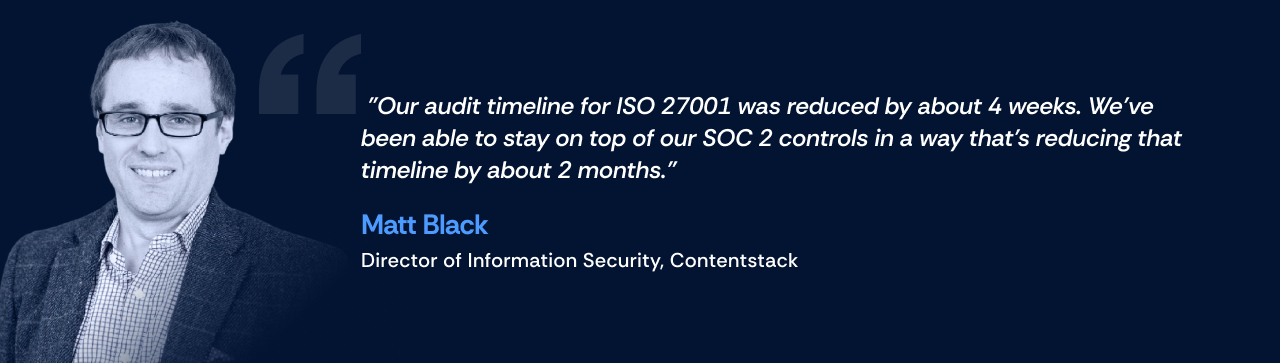
The shift is not only about speed. It is about moving from a consultant-driven process, where the work happens somewhere you cannot see it, to one where the evidence lives in front of you. As one CTO described moving off a third-party consultant, they had no prior system and relied on an outside firm that did the bulk of the work, which left them with little visibility into the policies and evidence the certification actually required.
With automation, the observation period becomes evidence that accumulates continuously. Without it, teams spend two to four weeks before every audit collecting evidence retrospectively.
What that means in practice:
- For GRC managers: continuous monitoring eliminates the pre-audit scramble, because the evidence is already there.
- For security managers: drift detection catches a control problem before it becomes an audit exception.
- For founders and CTOs: the question stops being “when do we start audit prep?” The evidence is already there.
That default-ready state is the real return. The continuous compliance model is also where the ROI from a GRC platform shows up: fewer auditor hours, shorter sales cycles, and engineering time returned to the roadmap.
Which SOC 2 controls benefit most from automation
The Common Criteria (CC) controls make up the bulk of SOC 2 requirements, and automation helps most with the technical ones auditors test hardest.
SOC 2 Common Criteria controls and automation capabilities
CC 6.1 is the longest and most heavily tested criterion, and it is also where organizations most commonly receive exceptions, usually because access reviews fell behind schedule. Auditors spend the most time here. Automating the schedule, the logging, and the overdue flags is one of the highest-impact capabilities a compliance platform can provide for a successful audit.
Automation helps less with the governance controls. CC 1.1 through 1.4 cover board-level responsibility, organizational structure, and risk assessment. A platform can organize the documentation and route approvals, but it cannot make the decisions those controls require.
Those stay human. For a plain-language walkthrough, the SOC 2 criteria for beginners guide covers how to satisfy each one, and the SOC 2 control list maps the full set. If you are standing up access reviews for the first time, start there, because it is where the exceptions cluster.
How to select the right SOC 2 automation software
Most GRC platform evaluations stall on the wrong question. “Is it secure?” and “Is it customizable?” are table stakes. Here is what actually separates them.
Integration breadth and reliability
This is the first technical evaluation criterion for a Head of Engineering or CTO. Does the tool integrate with your actual stack: AWS, GCP, GitHub, Okta, Google Workspace, Jira? Not “in theory” but in your specific configuration? An integration that breaks silently is worse than no integration, because you find out during the audit.
Confirm what is live today versus on a roadmap. See compliance automation integrations for what strong coverage looks like.
Continuous monitoring quality
Does the platform flag control drift in real time, or does it batch-check on a schedule and let a gap sit unnoticed for a week? A misconfigured S3 bucket that appears on Monday and is caught on Friday represents four days of exposure and four days of audit evidence showing the control was not operating.
Multi-framework reuse
If you add ISO 27001 after SOC 2, how much of your existing evidence carries over? Because frameworks share 40% to 50% of their controls, the platform should ask you only for the additional controls, not restart the project. That reuse is a core reason to run GRC automation rather than one-off projects.
Auditor relationships and audit cost impact
Some platforms have established relationships with audit firms that reduce auditor hours, and therefore fees, because the firm can access the platform's evidence logs directly. When an audit firm can integrate with the platform and pull data over time, they gain the comfort that controls were effective without re-collecting everything by hand. That is a direct, measurable saving on your audit invoice.
Expert support versus technical support
Most tools offer tech support. Fewer include compliance experts who can guide you through scoping, remediation, and the audit itself. Ask which one you are getting, and whether expert support is included or billed separately.
Bring these six questions to any demo:
1. Which integrations are live today versus “coming soon”?
2. Does continuous monitoring flag control drift in real time, or does it batch-check weekly?
3. If we add a second framework like ISO 27001, how much evidence can we reuse from SOC 2?
4. Do you have relationships with audit firms that reduce our audit fees?
5. What compliance expert support is included versus charged additionally?
6. Can we see a demo of the evidence package as an auditor would receive it?
For a wider comparison of the category, the best compliance automation software roundup is a useful reference point.
How to implement SOC 2 automation, step by step
Implementation typically takes two to four weeks. The Type II observation period that follows is a minimum of three months, with six months being common practice. Set expectations accordingly, because the observation window is the part you cannot compress.
Step 1: Run a gap assessment
Identify where your current controls fall short of the framework, including technical vulnerabilities and cloud findings. The output should be a concrete list of what needs remediation before the observation period starts. Starting the observation window with known gaps is a common error that extends your timeline by months.
Step 2: Select the platform
Use the criteria above. Confirm it integrates with your stack before you commit, not after. This is where a SOC 2 readiness assessment pays off, because it tells you exactly what “done” looks like.
Step 3: Configure and map controls
Set up your integrations and map controls to the framework. The platform should pick up your live integrations and surface which controls they satisfy automatically.
Step 4: Migrate and integrate evidence
Connect your existing tools and pull historical evidence where it exists. This gives the platform a clean starting point rather than a blank slate.
Step 5: Train the team
Get the people who own controls comfortable with the platform. Adoption fails when evidence collection stays a one-person job, so define ownership clearly. Define your SOC 2 scope so everyone knows what is in and out.
Step 6: Begin the observation period
For Type II, the observation period starts once controls are active, and the platform should log evidence from day one. Fix your gaps first, then let the evidence accumulate across the window rather than trying to reconstruct it later.
How to maintain SOC 2 compliance between audit cycles
Compliance does not drift everywhere at once. It drifts in a handful of predictable places, and knowing them is more useful than any “stay informed” advice.
Watch these first:
- Access reviews (required quarterly; the most commonly missed)
- Business continuity and DR testing (required every 6 to 12 months)
- Vulnerability assessment cadence (quarterly for most organizations)
- Policy review and version control
- Employee offboarding process completeness
These are the areas auditors verify and the ones where evidence quietly stops accumulating when no one is watching the calendar. Access reviews and BCP testing are the two most common failure points, because they are periodic activities that are easy to let slide until the window closes.
Kush Kaushik, Co-founder at Scrut Automation, thinks of it as a driver-assistance system on a highway. You are driving correctly, but the system has sensors that flag before you drift out of bounds. A good platform behaves the same way: it senses when a quarterly vulnerability assessment is approaching expiry and escalates from orange to red before the deadline passes, so a lapse never becomes an exception.
That same continuous evidence also feeds business continuity and disaster recovery testing records and policy version logs the auditor can trust.
“Audit ready any day” is a concrete standard, not a slogan. A SOC 2-compliant SaaS company should be able to respond to a client’s request for an audit visit with less than 24 hours of preparation, because the evidence exists continuously in the platform rather than in a folder assembled the week before.
Keep access reviews on cadence and your continuous compliance posture current, and the rest tends to follow. That is what the platform is built to make automatic, and here is how Scrut handles it in practice.
How Scrut handles SOC 2 automation
Scrut brings the compliance picture into one place: cloud risk assessments, control reviews, policy attestations, and open gaps on a single dashboard, so a GRC manager can see what needs fixing without assembling a status report by hand.
The practical difference shows up in audit prep. Ron Buell, CTO of Sounding Board, moved from a consultant to the Scrut platform and described it plainly:
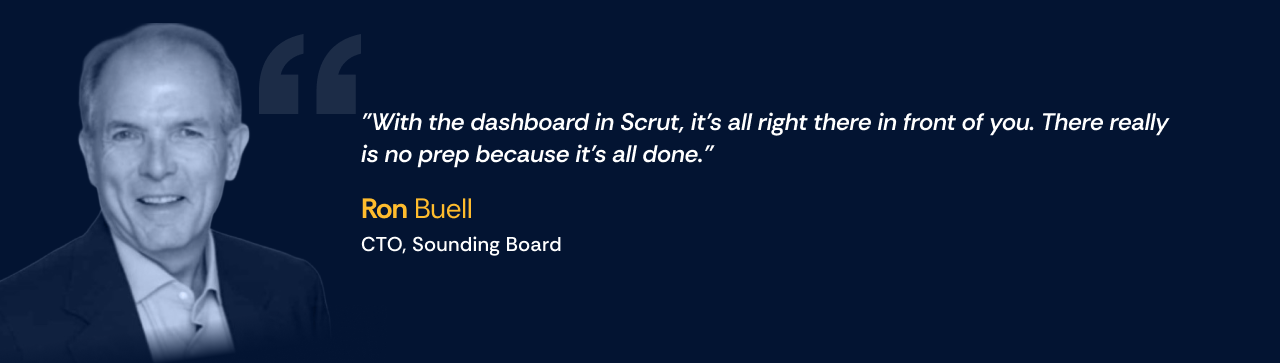
The evidence is not reconstructed before an audit. It is already there. For teams that had controls but needed structure, the platform closes gaps they did not know they had. Sorin Selagea-Popov, Director of Information Security at Univeris, put it this way:
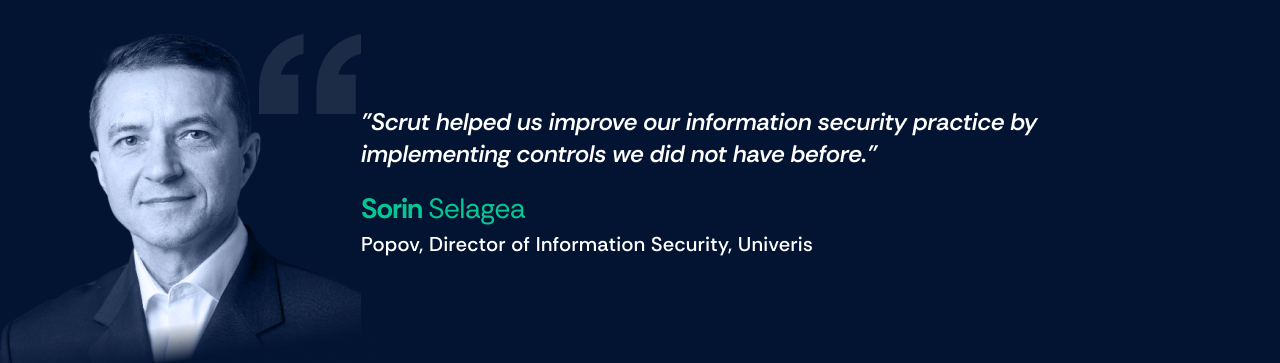
Two capabilities are worth calling out here.
Scrut Teammates is the AI-powered compliance assistant. It takes a piece of evidence or a security questionnaire and returns a step-by-step path to satisfying it, working from your own policies rather than the open internet. Athenium reported it cut their delay in understanding and submitting evidence by more than 80%.
Trust Vault turns your compliance posture into an auto-populated, company-branded security page you can share with prospects. Matt Black, Director - Information Security at Contentstack,
specifically pointed to it:
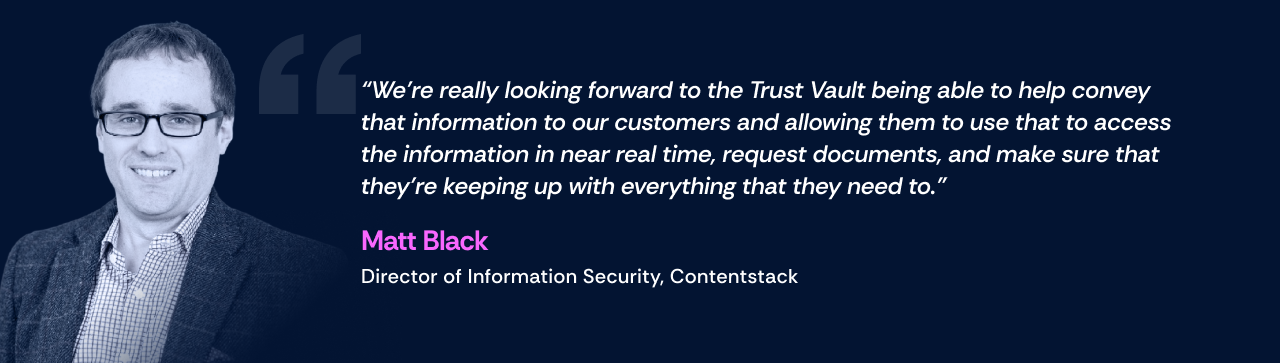
Evidence collection runs across a broad set of integrations against pre-mapped SOC 2 controls, automating 65%+ of the process, and you can share artifacts with auditors directly through the platform rather than over separate channels. For the full framework path, see the SOC 2 solution.
What to do next
- SOC 2 automation handles the mechanics: evidence collection, monitoring, control testing. Risk decisions and the management assertion stay yours.
- Skipping automation at scale is expensive: $50,000 or more in auditor, consultant, and tooling costs for a first SOC 2, plus the deals a slow report delays.
- Done right, “audit ready any day” means responding to a client audit request in under 24 hours, because the evidence lives in the platform continuously.
Book a demo to see how Scrut handles SOC 2 evidence collection, access reviews, and continuous monitoring in one platform. For deeper reading, the SOC 2 compliance best practices guide and the walkthrough on how to master your SOC 2 audit are the logical next steps.
FAQs
1. What is SOC 2 automation?
SOC 2 automation uses software to automate repetitive compliance tasks such as evidence collection, control monitoring, access reviews, policy tracking, and controls testing. It continuously gathers and logs evidence from connected systems, reducing the manual work required to prepare for and maintain a SOC 2 audit.
2. How much of SOC 2 compliance can be automated?
SOC 2 automation can typically handle 65% or more of evidence collection, along with recurring tasks such as control monitoring, access review scheduling, policy workflows, and evidence packaging. However, human judgment is still required for risk decisions, management assertions, interpreting control effectiveness, and communicating with auditors.
3. How much does SOC 2 automation cost?
The cost of SOC 2 automation varies by platform, company size, scope, and features. However, the cost of managing SOC 2 manually can quickly exceed the cost of a GRC platform. For a 100-person SaaS company covering three Trust Services Criteria, auditor fees, consultants, penetration testing, and security tooling can add up to $50,000 or more, excluding internal engineering time.
4. Can SOC 2 automation help with a Type II audit?
Yes. SOC 2 automation is particularly useful for Type II audits because it continuously records evidence that controls operated effectively throughout the observation period. Instead of reconstructing evidence before the audit, teams can maintain a continuous evidence trail covering activities such as access reviews, security monitoring, and control testing.
5. Does SOC 2 automation make a company SOC 2 compliant?
No. SOC 2 automation does not guarantee compliance or issue a SOC 2 report. It provides the operational infrastructure for maintaining controls, collecting evidence, and demonstrating that controls operated effectively. Risk decisions, management assertions, control ownership, and auditor interactions still require people.

%201.png)


.webp)