


%20(1).png)
Scrut MCP: Get compliance work done without leaving your AI app
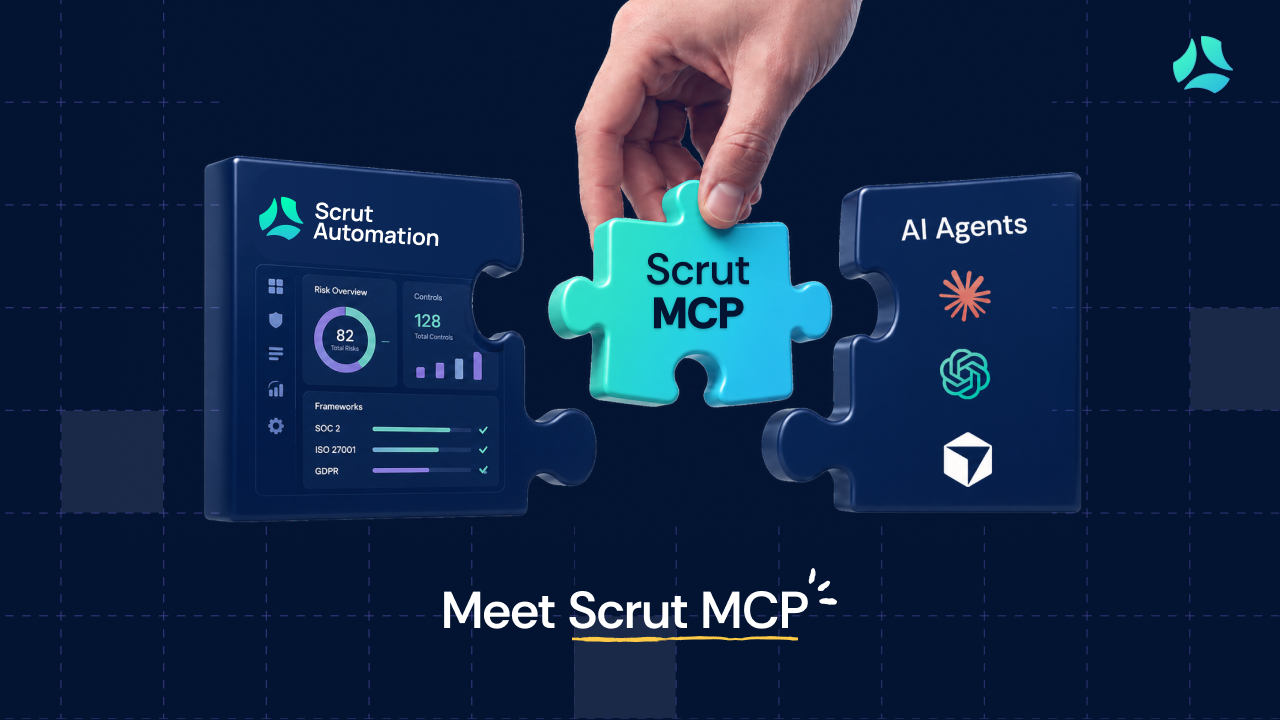
Give an MCP-compatible AI app like Claude, ChatGPT, and Cursor trusted access to your Scrut Platform. Get sourced answers, check readiness, and file evidence in the same workspace.
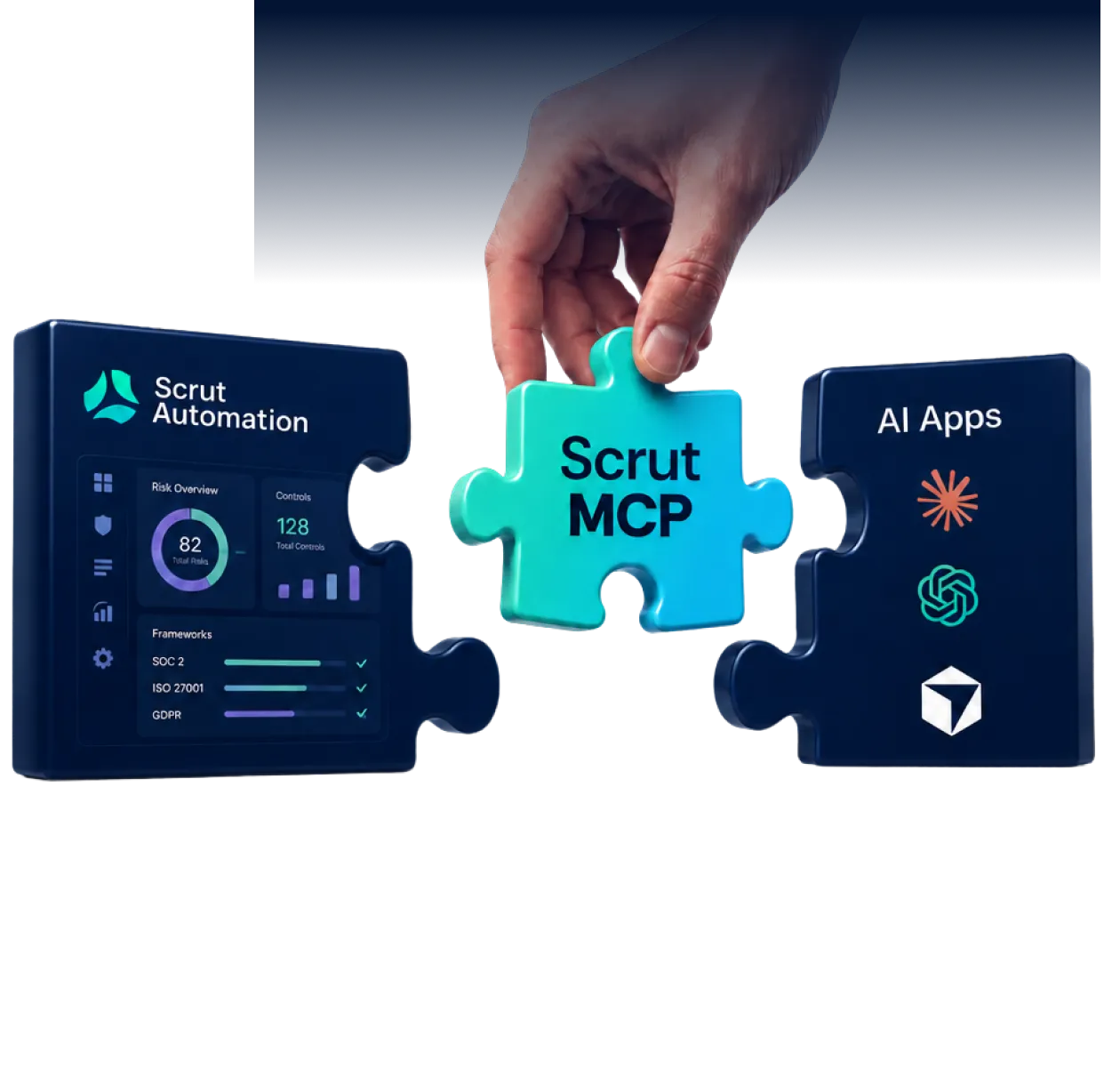

Connect Scrut with the AI apps your team already uses


Keep compliance work moving without switching tabs
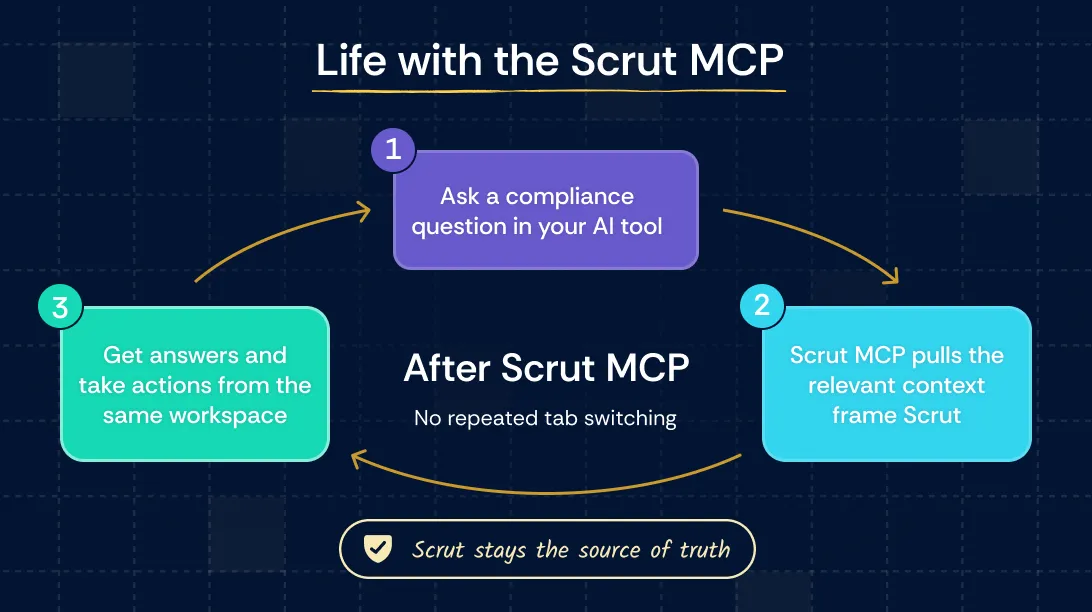
Ask about frameworks, controls, policies, evidence, audit dates, owners, or continuous tests in plain language and get answers grounded in Scrut.
Surface policies still in draft, stale or missing evidence, controls without evidence, and failing tests before they slow down an audit or customer request.
Upload a file or attach a link to the right evidence item, with a note and date, without leaving the AI app where the work is happening.
Draft responses using published policies, Trust Vault, and Vault documents, with supporting sources and unanswered gaps flagged for review.
Bring failing test details and remediation guidance into the workspace where your infrastructure code lives, so you can move from finding to fixing.
Use ready-to-run skills in Claude for compliance digests, questionnaire responses, and evidence filing without mapping every step yourself.
Set up Scrut MCP in four steps
Use Claude, Cursor, Codex, or any MCP-compatible AI app your team already works in.
Copy the region’s server config and add it to the AI app’s MCP or connector settings.
Authenticate with your Scrut account. Scrut MCP works at your existing Scrut permission level.
Start with one simple question, such as: “Which SOC 2 policies are still in draft?”


Bring Scrut context into your AI app, with guardrails

When you sign in, your AI app can only access the information your existing Scrut role already allows you to see. Nothing more.

Scrut MCP can upload and attach evidence, but it cannot delete, overwrite, or edit any of your existing compliance records.

Evidence uploads and attachments are tied to the authenticated user and recorded in Scrut’s audit log.
.webp)
Frequently Asked Questions
Scrut MCP is a Model Context Protocol server that connects Scrut to MCP-compatible AI apps such as Claude, ChatGPT, Cursor, and more. It gives your AI app permission-bound access to the compliance context maintained in Scrut, so you can ask questions, read documents, check readiness, and file evidence from your existing workspace. Scrut remains the source of truth for your compliance program.
Connect the Scrut MCP server to your AI app and sign in using your Scrut account. When you make a request, the AI app selects the relevant predefined Scrut MCP actions, retrieves the permitted context from Scrut, and returns the answer or result in the same workspace.
You can use Scrut MCP to:
- Ask questions about frameworks, controls, policies, evidence, audit dates, owners, and continuous tests
- Run readiness checks across your compliance program
- Search for and read policy or evidence documents
- Draft sourced security questionnaire answers
- Create compliance digests
- Upload files or attach links to evidence
Scrut MCP supports 14 tools across these workflows.
Scrut MCP works with supported AI apps that can connect to remote MCP servers, including Claude Code, Cursor, Codex, and GitHub Copilot. The setup process may vary slightly depending on the AI app you use.
Scrut MCP uses the compliance knowledge maintained in Scrut to draft answers to security questionnaire questions. It returns the sources used for each answer and flags questions it cannot answer confidently instead of filling the gap with an unsupported response.
Your team should still review and approve the final answers before submitting them.
Yes. Scrut MCP can search for documents across policies, evidence, and the Trust Vault. It can also read the full text of a specific policy or evidence document, provided the signed-in user has permission to access it in Scrut.
Scrut MCP skills are packaged workflows that combine multiple predefined actions into one repeatable job. Instead of explaining every step, you start with the outcome you need.
Current skills include:
- Compliance digest for summarizing audit dates and areas requiring attention
- Answer questionnaires by drafting questionnaire responses from Scrut context
- Upload evidence for attaching a file or link to the relevant evidence item
Packaged skills are currently available in Claude.
Depending on the signed-in user’s permissions, Scrut MCP can read information about frameworks, controls, policies, evidence, documents, and continuous tests.
Its write access is limited to evidence filing. It can upload a file, attach a file, or external link to an existing evidence item. It cannot delete, overwrite, or freely edit existing compliance records.
Scrut MCP acts as the person who signs in, so it can only access information that user is already permitted to access in Scrut. It does not receive blanket access to the organization.
Evidence uploads and attachments are tied to the authenticated user and recorded in Scrut, helping supported actions remain traceable. Regional connections are available for US, EU, and India deployments
Add the Scrut MCP server URL for your Scrut region in the MCP or connector settings of your AI app. Then sign in using your Scrut account and approve the connection.
Once connected, you can start with a plain-language request such as:
“Give me a SOC 2 readiness summary and show me what needs attention.”
The exact setup steps depend on the AI app you use.