


%20(1).png)
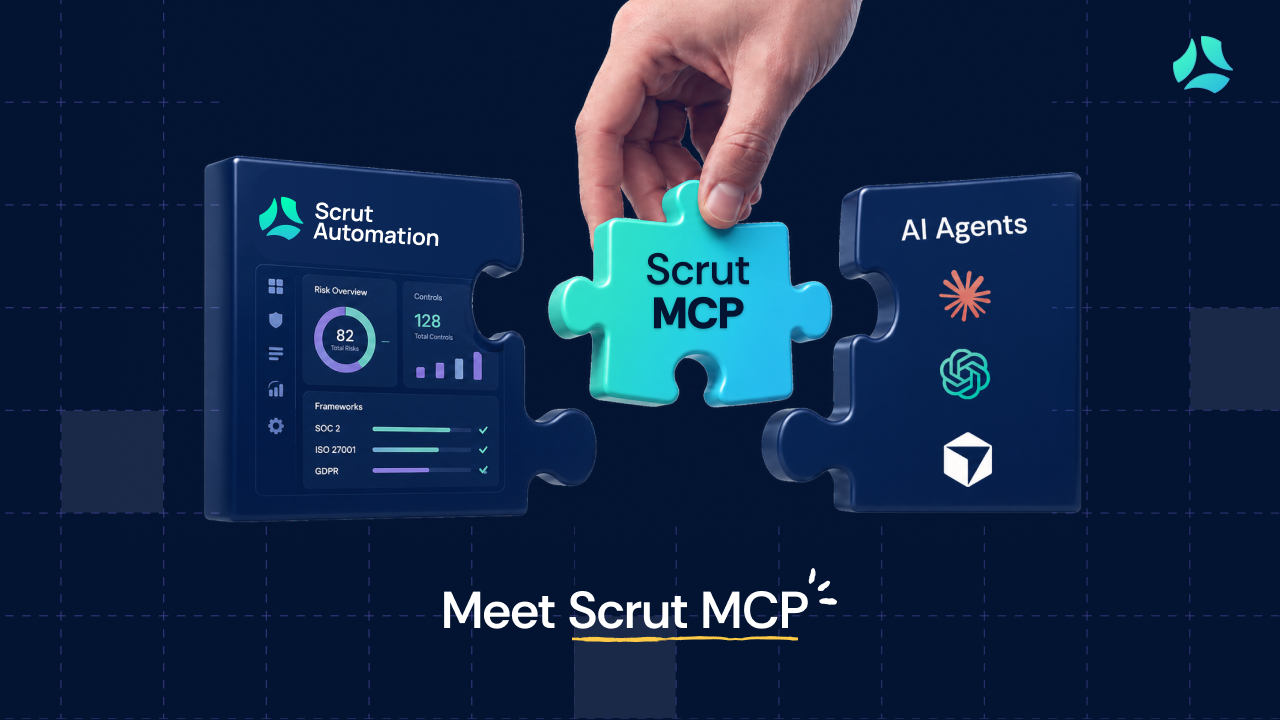


Say hi to Scrut MCP (Model Context Protocol), now available to connect with the MCP-compatible AI apps you already use.
If you use Scrut to manage compliance and apps like Claude Code, Cursor, or ChatGPT Codex to get work done, Scrut MCP connects the two. Instead of opening Scrut every time you need a compliance detail, you can ask from the workspace you are already in.
That is the shift: less tab-switching, less copy-paste, and a faster path from finding an answer to acting on it.
With Scrut MCP, MCP-compatible AI apps can retrieve compliance data from Scrut when you ask. They can answer questions using your knowledge base, read the full extracted text of specific policy and evidence documents, check frameworks, controls, evidence, and continuous test details, and help file evidence without making you leave your AI app.
Each person connects using their own Scrut account. The connection follows that user’s existing role and permissions, so it does not grant blanket access to the organization’s compliance data.
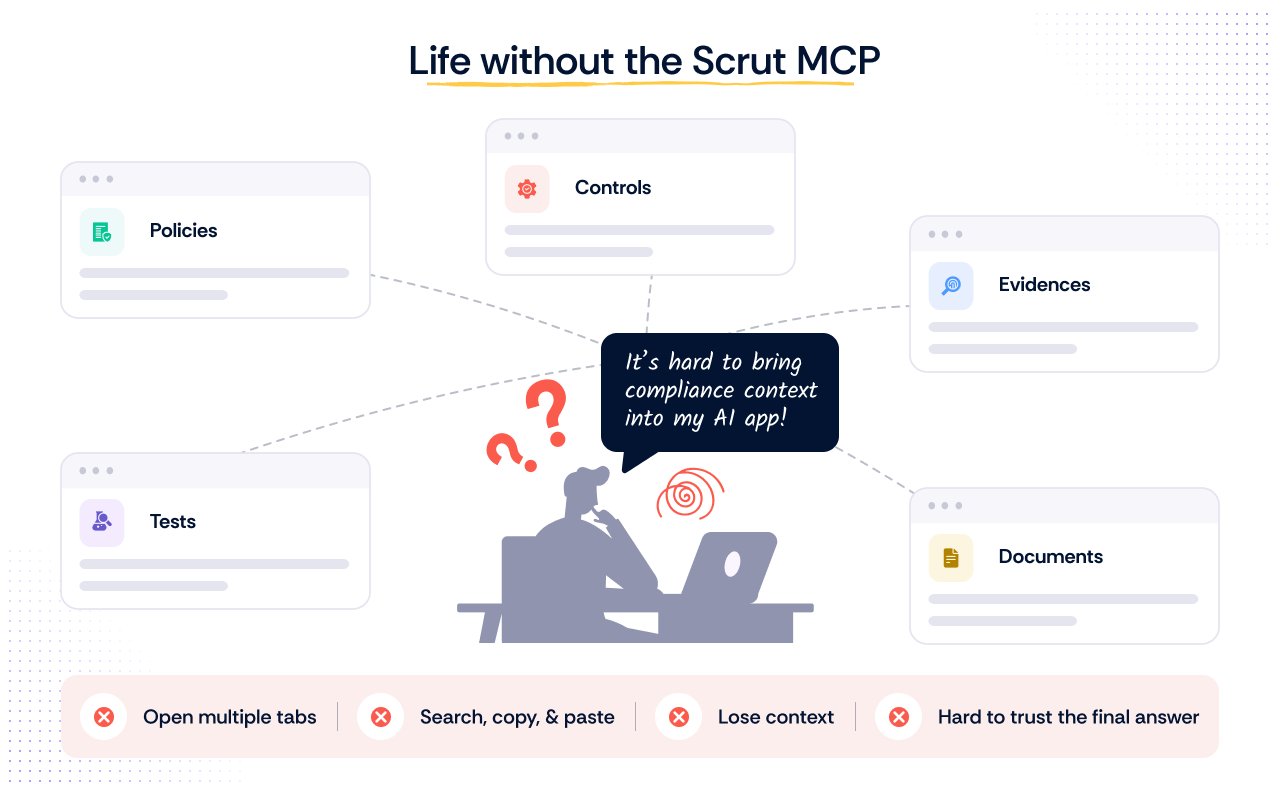
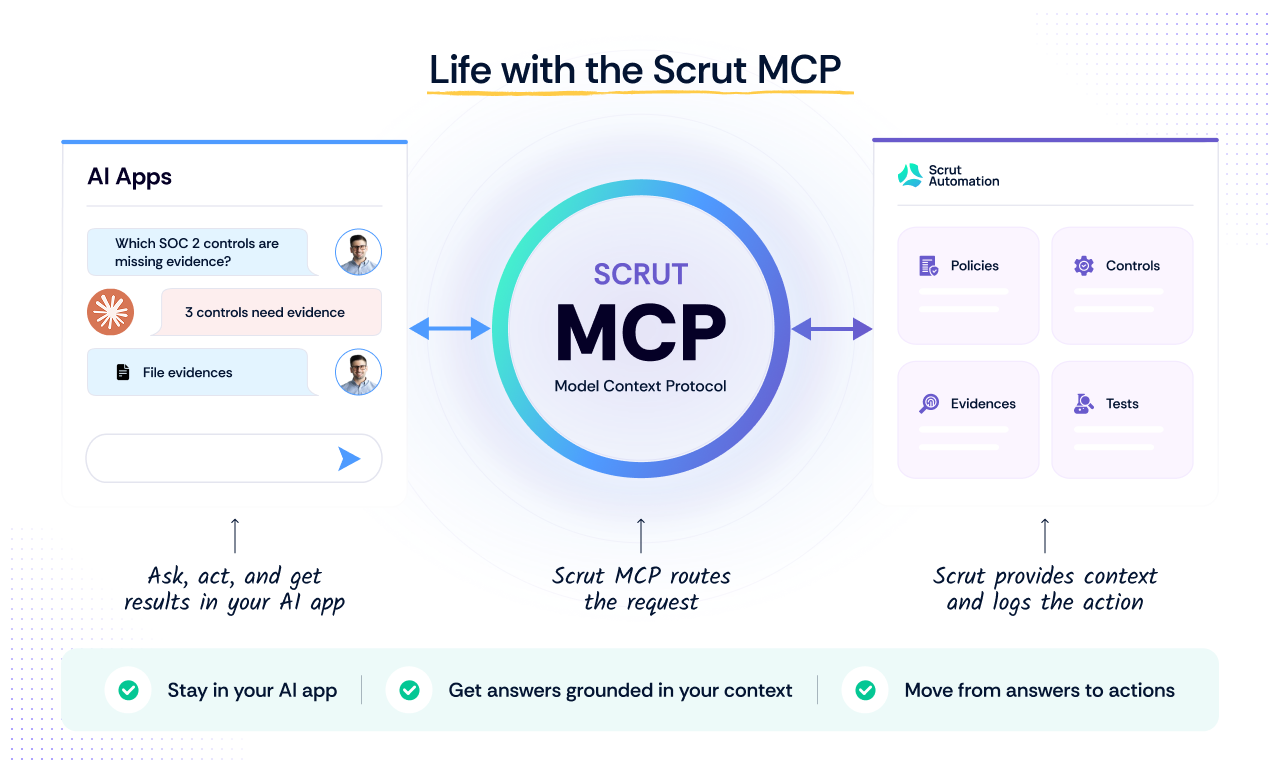
The compliance program you already have in Scrut becomes something you can query from inside your AI app, with no separate dashboard to open.
Here is what you can do with the Scrut MCP today.
1. Ask about the state or readiness of your compliance program
Most of the time, you just need a quick fact or status from your compliance program: which policies are sitting in review, which controls still have no evidence, what is past its review date, who owns the control that is holding up your audit (so on and so forth).
With the Scrut MCP, you can ask in plain language, and the agent goes and gets it. Try it out with prompts like:
Behind the scenes, the agent may call several Scrut MCP tools (scrut_list_frameworks, scrut_list_controls, scrut_list_policies, scrut_list_evidence, and scrut_list_tests), finds what your question needs, and comes back with one clear answer.
You get the answer in the same window you were already working in, without switching to Scrut for that lookup.
2. Draft questionnaire answers from your real posture
If you are someone who used to copy context or content from the Scrut Platform, paste it into your AI app, and ask it to complete a security questionnaire, Scrut MCP has that solved for you.
Now you just prompt your AI app:
For each prompt, scrut_answer_question takes each question and pulls a synthesized answer from your knowledge base (your published policies, Trust Vault, and Vault documents), and it returns the sources it drew from. When it is not confident, it says so and flags the gap instead of guessing.
The AI app is not generating a confident-sounding answer from memory. Scrut runs the retrieval and answer generation on its side, then returns a sourced response for your team to review.
3. File evidence without leaving your AI app
Say you just generated an access review, exported a cloud configuration, or received a vendor report. Instead of saving it somewhere and remembering to upload it later, ask your AI app to file it through Scrut MCP:
scrut_upload_file takes the file and returns a document object. scrut_attach_evidence_document pins that object, or an external link, onto the right evidence with your note and date.
4. Remediate a failing cloud test where your code lives
A failing cloud test usually creates two separate jobs. The compliance team sees the issue in Scrut, but the fix often lives somewhere else: Terraform, Pulumi, CloudFormation, or another infrastructure-as-code repo.
Scrut MCP can retrieve the failing test details and remediation guidance. Your AI app can then bring that context into the coding environment where the fix needs to happen.
Try a prompt like:
Behind the scenes, the agent uses Scrut MCP to find the failing test and the relevant test details. Then, because you are already in a tool like Cursor, Claude Code, or Codex, the agent can work against the infrastructure-as-code in your repo and help make the fix where the code lives.
Tools available through Scrut MCP
Ready-to-use skills available with Scrut MCP
Scrut provides ready-to-use skills that package multiple MCP tools into repeatable workflows. Instead of explaining every step each time, you can request a completed job, such as getting a compliance digest or a questionnaire response.
Here are the skills you can try:
Get a shareable compliance digest
scrut-compliance-digest skill creates a leadership-ready snapshot of your frameworks, upcoming audit dates, draft or in-review policies, stale or missing evidence, and failing tests.
Try this prompt:
Draft questionnaire answers
The scrut-answer-questionnaire skill, which drafts questionnaire answers from your knowledge base, cites the sources used, and flags gaps that it cannot answer confidently.
Try out this prompt:
Upload evidence
scrut-upload-evidence skill helps find the intended evidence and attach a file or external link with a note.
Try this prompt:
Fix a failing cloud test
scrut-fix-test helps find a failing cloud test, brings the remediation context into your AI editor, and updates the related infrastructure-as-code.
Try out this prompt:
Some important things to know about Scrut MCP
- Scrut remains the source of truth. Scrut MCP brings Scrut context into the AI apps where you already work. It does not move your compliance program or replace the Scrut Platform.
- Access follows the signed-in user. Scrut MCP can only fetch compliance context based on the user’s existing Scrut role and data access. It does not give anyone broader access than they already have.
- Evidence actions remain attributable. Evidence filed through Scrut MCP is recorded in Scrut’s audit log and tied to the authenticated user.
- Your team still reviews the output. Scrut MCP gives you a faster starting point. It does not remove human review from questionnaire responses, evidence decisions, or proposed infrastructure changes.
- Results can vary by AI app and model. Different models have different reasoning and tool-calling abilities, particularly for complex, multi-step requests. Review important outputs before relying on them.
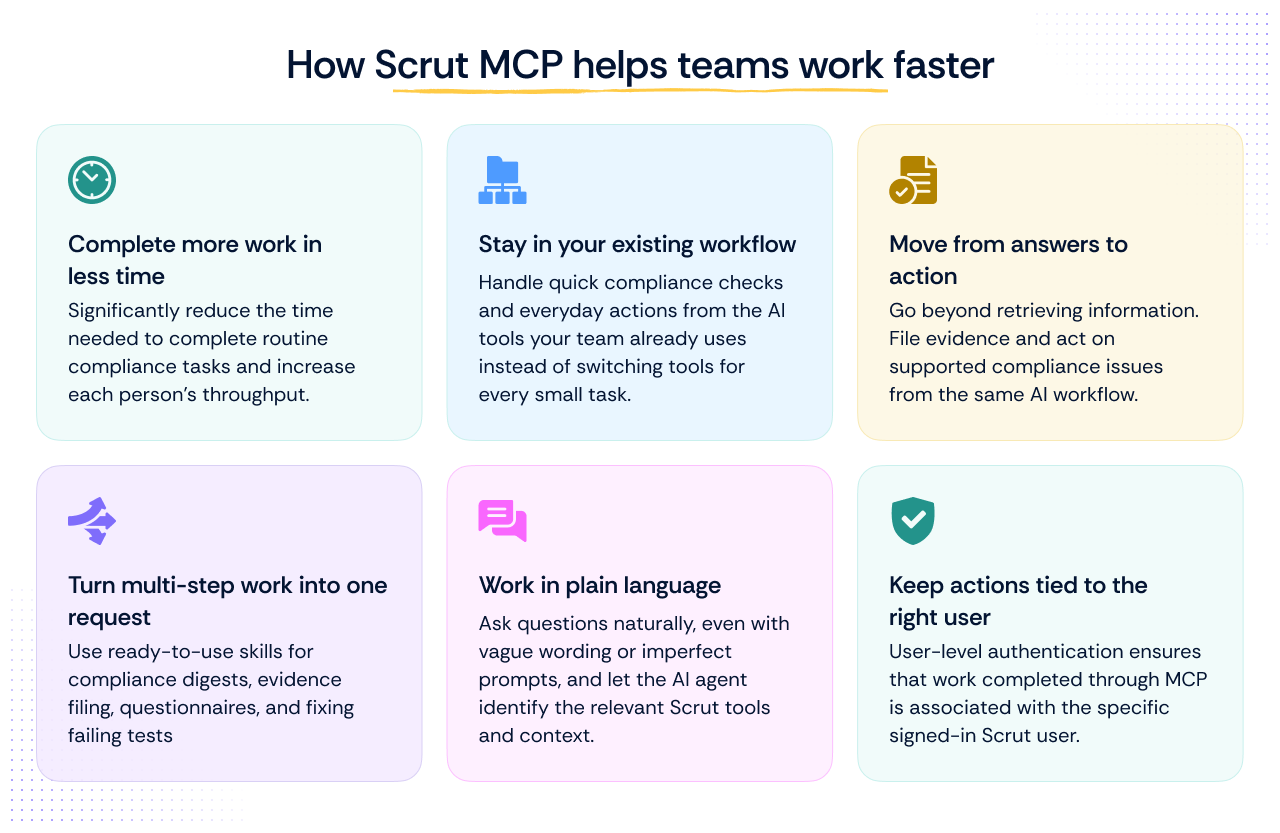
Your compliance work already happens across AI apps, docs, questionnaires, evidence files, and code. Scrut MCP brings Scrut into that flow.
Want to try it? Here’s how you can connect the Scrut MCP to your AI app and try your first prompt.

%201.png)